Category: Sound
When your audience reports music is overpowering your voice while your headphone monitoring seems fine, this usually indicates incorrect audio mixing levels or inaccurate monitoring that doesn't reflect the actual stream output.
1. Check audio mixer fader settings
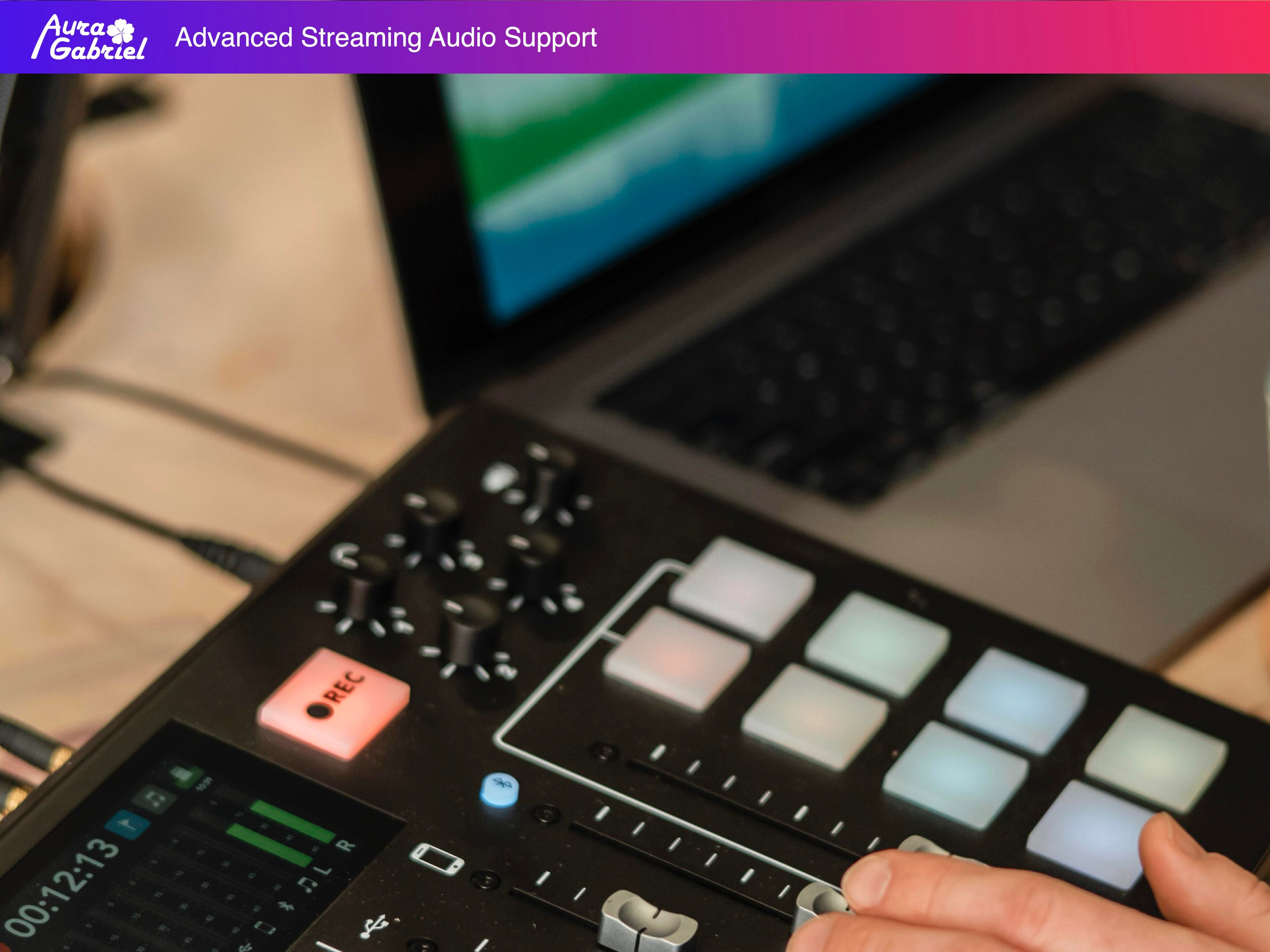
• Verify Bluetooth fader position if using Bluetooth for music playback
• Ensure proper balance between microphone and music channels on your mixer
• Use audio meters for objective monitoring instead of relying solely on headphones
2. Set optimal audio levels for streaming
• Microphone should peak between -10 dB to -6 dB for clear vocals
• Background music should average around -20 dB to -15 dB
• Headphone monitoring often doesn't accurately represent the final mix
3. Enable automatic ducking features
• Use RODE's Auto ducking function to automatically lower music during speech
• This maintains consistent audio balance for viewers throughout your stream
• Particularly useful for talk-heavy content with background music